Cassette Player Eating Tapes? Fixes
When a cassette deck chews up the tape, the immediate suspicion is always the cassette itself. The tape might be old, or on the cheap side. But it turns out the transport hardware often…
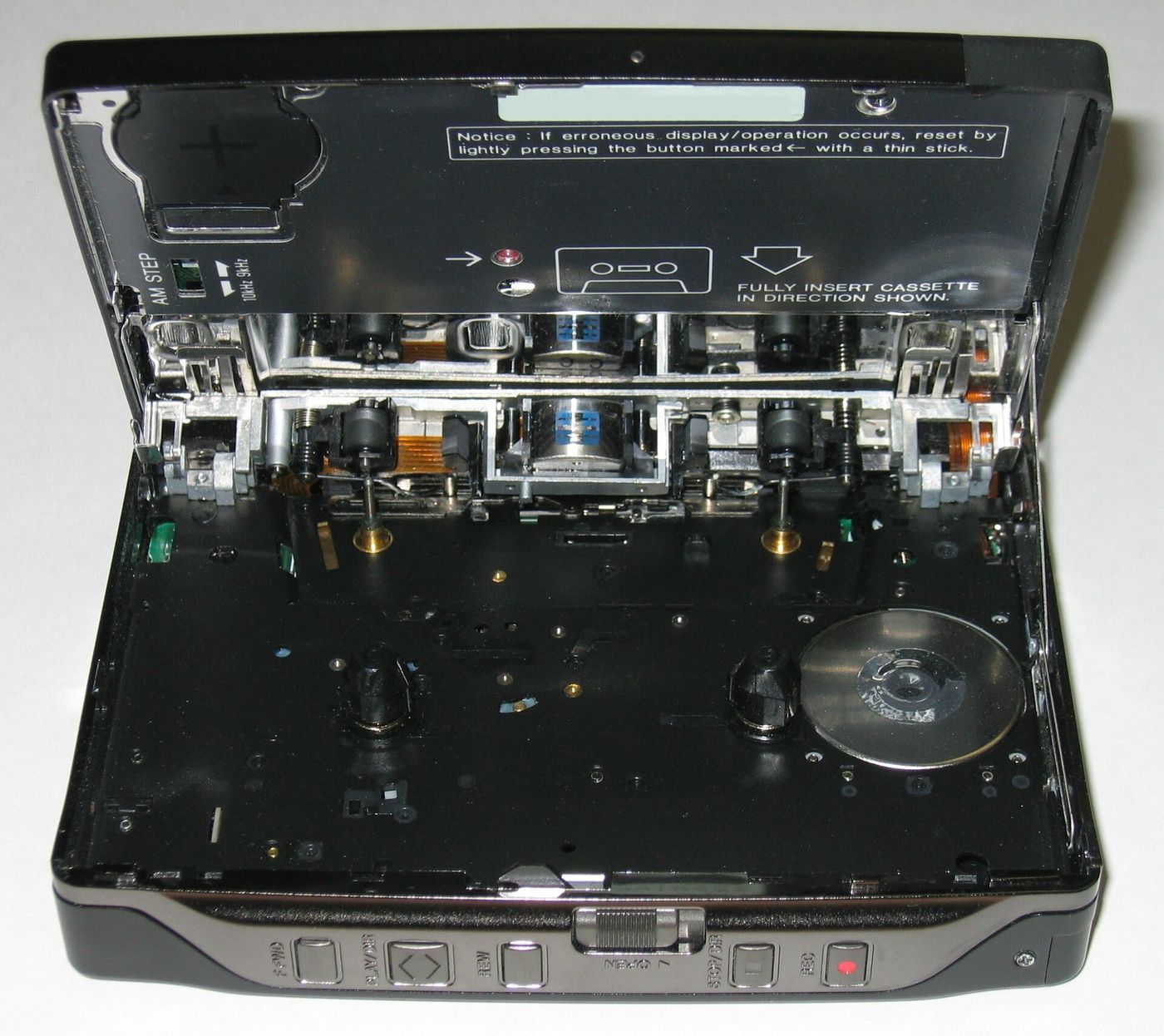
When a cassette deck chews up the tape, the immediate suspicion is always the cassette itself. The tape might be old, or on the cheap side. But it turns out the transport hardware often eats the tape first. Crucially, the pinch roller and capstan are the most common culprits before the take-up reel and belts.
The pinch roller and capstan can both lose their grip. A sticky, glazed, or dirty pinch roller will let the tape slip and bunch around the capstan. This causes the slip. But at the pinch roller, it's the adhesive that spools onto the tape directly. Plastic, dirt, oil, and old rubber all do this. So the tape snags around the capstan every time the pinch roller reaches the build-up. Any adhesive on the capstan shaft makes it worse – but a dirty pinch roller rolled around on a clean capstan will drag any caked tape there in short order.
The cure in these cases is replacement. On any good machine, it's usually a matter of a new rubber sleeve and some setup. Some decks even let you liberally clean the pinch roller in normal Play mode without having a tape inside. Some suggest these setups may need a tune-up periodically.
Any weaker take-up torque is going to let the slack tape bulge and just back up onto the capstan. If you are not, it will pile up into a mess in your cassette well.
If the pinch and capstan are working, exchanging all these forces in lockstep, the belts and take-up reel have the next chance. Idler tires and take-ups are softer rubbers, meant to shift directly the transport forces. You will need a go/no-go feeling test to make sure the take-up is pulling in the usual way.
The overall safe service order is to unplug the deck. open wells, then double-check the pinch and capstan motives. Clean the capstan shaft with alcohol on a swab, as you spin it, keeping the discharge stick-free. Now clean the pinch roller with a fresh, not-soaked-on-the-tip swab and dry them completely. Some machines let you repeat the pinch cleaner while in Play mode - what a bonus. Some decks even let you liberally clean the pinch roller in normal Play mode without having a tape inside. Now dry everything. Some models recommend demagnetizing the playback head.
Now, for damage control on a skewered tape, your options are going to be limited to what you can hack out. One First Line of Defense is to: stop using the deck. And clean the capstan and pinch roller, testing on a disposable tape. A meticulous digital archive guide outlines a method for fixing after damage. Any knotted or gnawed end has to be cut off without puncturing the guard ribbon tracks. Even a decent chunk can be spliced out, with splicing tape. It guides that you cut 6 inches of blank tape to separate the undamaged ends.
Gnawed tape is the machine's way of saying, "You messed me up badly." Transport work could even be waiting due to drive skip or excessive wear and tear.
In short: when a cassette deck eats a tape, do not assume it is just a tape problem. In most cases, the pinch roller and capstan are the culprits, thanks to sticky or hardened rubber or a dirty capstan shaft. Start by cleaning the capstan and pinch roller in the correct order, dry off the parts, and demagnetize the playback head. If you have to deal with a chewed tape, sever the dirty ends and try to join the clean sections with splicing tape.
However, if you still encounter major issues after this, it could indicate larger problems such as worn belts or low take-up torque. These would require more extensive repair or replacement of transport parts, and you may need to assess if the effort is worth it based on the deck's overall condition and value.