Dolby B vs Dolby C
When playing or digitizing a cassette tape, it is crucial to set the Dolby switch to match the noise reduction system used when the tape was originally recorded. This ensures the best…
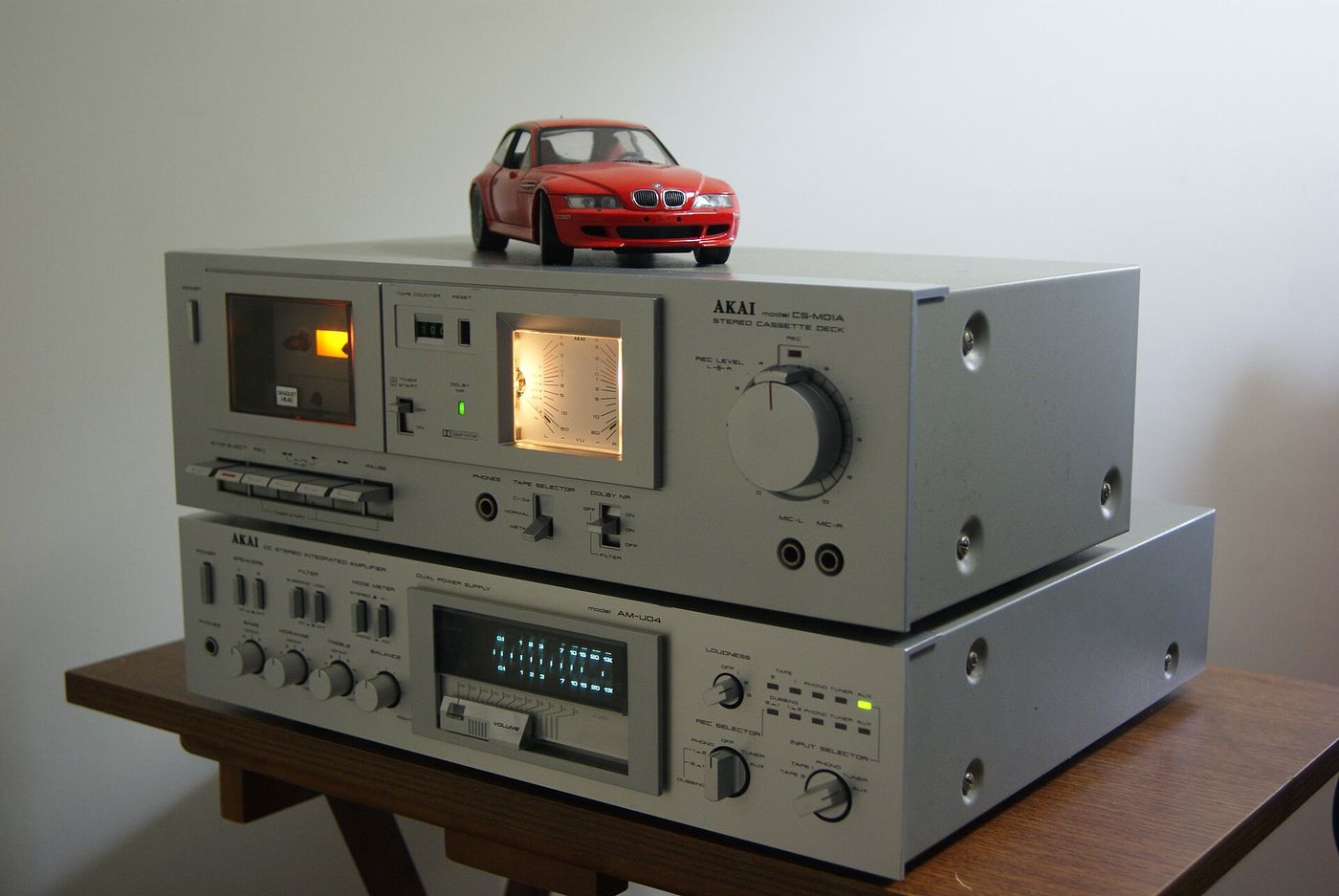
When playing or digitizing a cassette tape, it is crucial to set the Dolby switch to match the noise reduction system used when the tape was originally recorded. This ensures the best possible sound quality. Use the same setting as the recording, if you know it, and "Dolby off" only if you are sure no Dolby noise reduction was used on that specific tape.
Dolby settings have to match the recording
Dolby B and Dolby C are noise reduction systems developed to improve the sound quality of cassette tapes. When you play a tape, your deck should decode the noise reduction that was used to encode it at the recorder. If an cassette was recorded in Dolby C, play it back with Dolby C selected to maintain the original quality. The same goes for Dolby B. Fail to match a cassette's recording Dolby setting, and you risk causing a slight loss in fidelity of the high frequencies The degradation may be minimal, but it is easily noticeable to a careful listener.
What happens when playback does not match
A cassette recorded in Dolby C is still readable on a device with only Dolby B, but expect a minor loss of signal quality.
What to do when digitizing old tapes
When digitizing an old cassette, the first thing to do is check the Dolby type used on the original recording. Before making the digital transfer, compare the audio with the Dolby switch turned on and off. If there is an apparent increase in fidelity with Dolby on, select that setting. In all other cases, set Dolby noise reduction to off. While there is no magic setting that transforms all cassettes to pristine digital fidelity, you may find that even an old Dolby-encoded cassette sounds fair with playback decoding turned off. Once you have your mix, digitize the cassette at a standard 16-bit 44.1 kHz resolution: with old tapes like these, the higher sample rate is not usably helpful.
Dolby B versus Dolby C in practice
Some manuals recommend recording new cassettes in Dolby C. Some manuals suggest using Dolby B only for editing an already Dolby-B-encoded cassette. But this is an imperfect rule. Some decks recommended using Dolby B only for playback of existing tapes, and advised using Dolby 'C for all new recordings.
No matter which system was used on the cassette, the best practice is to use the same Dolby setting on the playback deck. This ensures that the audio from the cassette is decoded as originally intended, preserving the intended audio quality and fidelity.